在VSCode中使用Remote配置远程开发
文章目录第1步 下载Remote Development 插件第2步 添加远程连接技巧:指定ssh.exe第1步 下载Remote Development 插件第2步 添加远程连接具体过程很多文章讲的很细,就不再赘述,可以参考以下文章:https://blog.csdn.net/u010417914/article/details/96918562https://blog.csdn.net/six
·
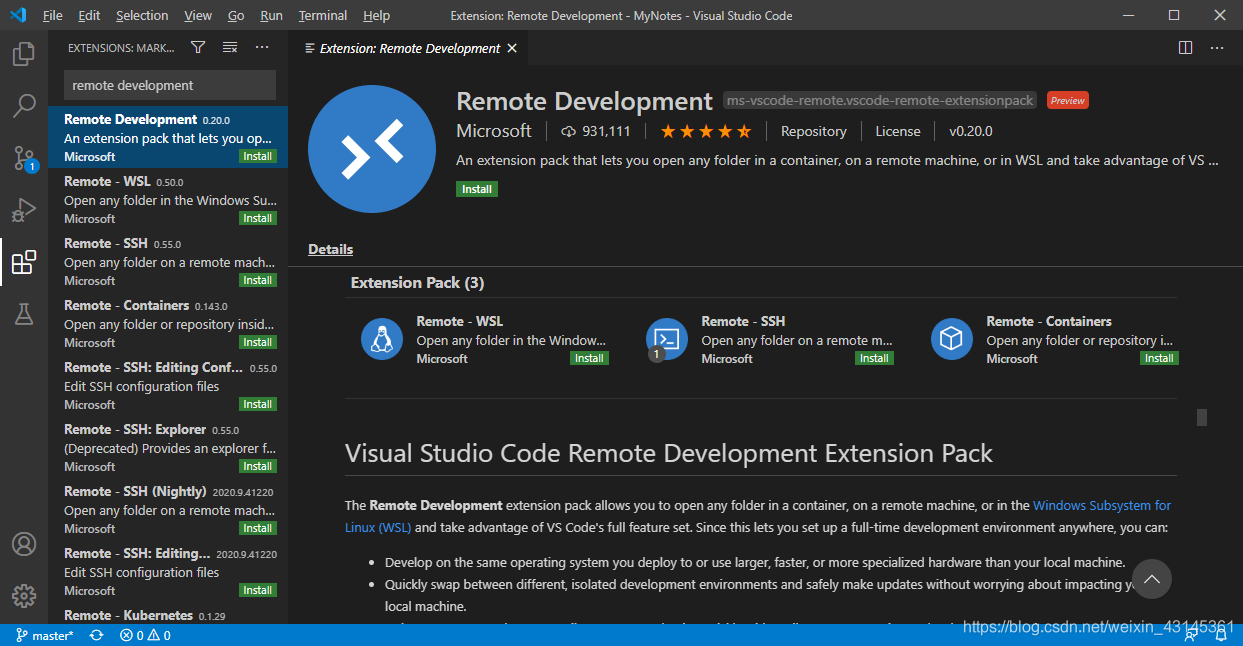
第1步 下载Remote Development 插件
第2步 添加远程连接
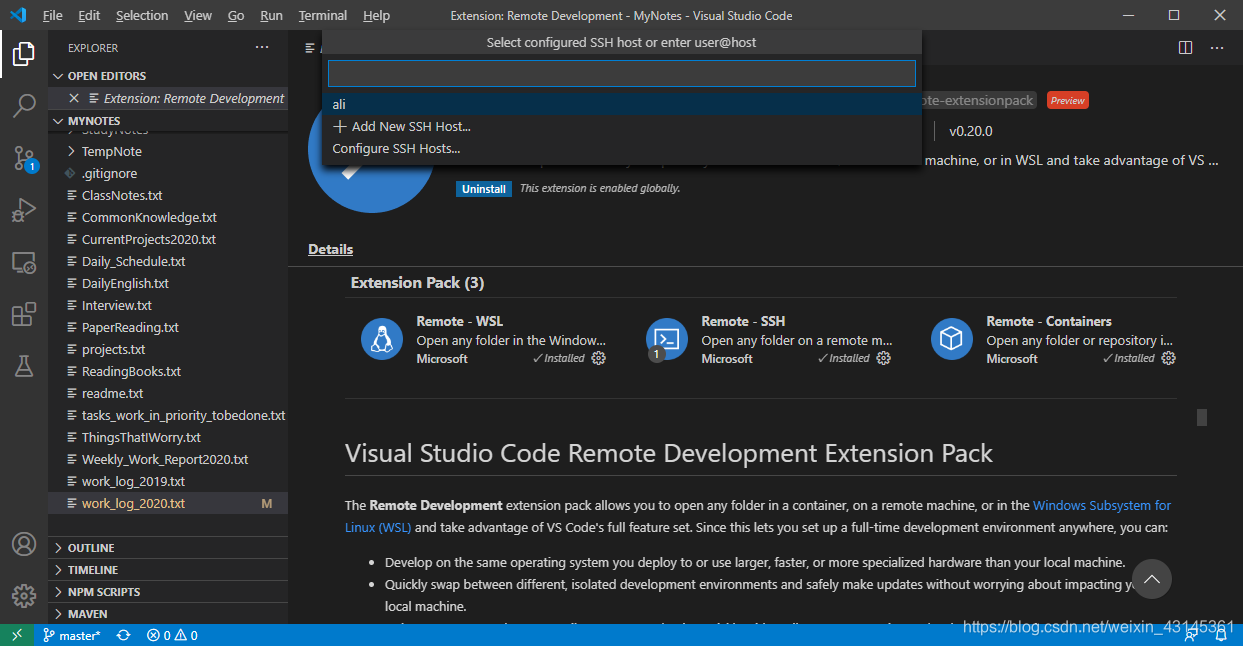
具体过程很多文章讲的很细,就不再赘述,可以参考以下文章:
- https://blog.csdn.net/u010417914/article/details/96918562
- https://blog.csdn.net/sixdaycoder/article/details/89947893
- https://blog.csdn.net/comhaqs/article/details/102715692
- https://blog.csdn.net/weixin_40373708/article/details/90376258
技巧:指定ssh.exe
特别注意一点,有时候连接失败,往往是因为openssh的问题。VSCode默认调用的是openssh的ssh.exe,经常会有权限问题。所以,推荐使用Git的SSH,配置方法如下:
"remote.SSH.path": "c:\\Program Files\\Git\\usr\\bin\\ssh.exe",
"remote.SSH.remotePlatform": {
    "ali": "linux"
}

这里是“一人公司”的成长家园。我们提供从产品曝光、技术变现到法律财税的全栈内容,并连接云服务、办公空间等稀缺资源,助你专注创造,无忧运营。
更多推荐


 0
0 0
0- 0


 已为社区贡献1条内容

所有评论(0)