接口测试返回参数的自动化对比!
接口返回参数的对比不仅是确保接口功能实现的手段,也是测试过程中常见且重要的任务。本文将介绍接口测试返回参数自动化对比的原理,展示如何使用 Python 和 MySQL 实现对比功能,并提供最佳实践的建议,帮助读者在实际项目中应用这些技术。在本文中,我们详细探讨了接口测试返回参数的自动化对比方法,包括动态参数的过滤、对比结果的报告生成以及对比数据的清理。希望本文提供的实践经验和代码示例能帮助从事接口
引言
在现代软件开发过程中,接口测试是验证系统功能正确性和稳定性的核心环节。接口返回参数的对比不仅是确保接口功能实现的手段,也是测试过程中常见且重要的任务。为了提高对比的效率和准确性,我们可以通过自动化手段实现这一过程。本文将介绍接口测试返回参数自动化对比的原理,展示如何使用 Python 和 MySQL 实现对比功能,并提供最佳实践的建议,帮助读者在实际项目中应用这些技术。
自动化对比的原理
接口测试返回参数的自动化对比涉及以下几个步骤:
-
提取和存储预期结果:在测试用例设计阶段,定义接口调用的预期返回结果,并将其存储在文件或数据库中。
-
执行接口调用:通过自动化测试脚本执行接口调用,获取实际的返回结果。
-
结果比对:将实际返回的结果与预期结果进行比对,以确认接口是否满足需求。
自动化对比的工作流程
-
准备测试数据:包括请求参数和预期返回结果。
-
执行测试用例:发送请求并接收响应。
-
对比实际返回的结果和预期结果:通过编写自动化脚本对比返回的参数。
-
记录对比结果:将对比结果存储到数据库中,并生成测试报告。
-
数据清理:在测试完成后对数据进行清理以维护数据库的健康状态。
数据库设计与实现
为了实现自动化对比,我们选择 MySQL 数据库来存储测试执行信息和对比结果。以下是数据库设计方案及其实现细节。
数据库表设计
1. 测试执行表
存储每次测试执行的信息。
-
CREATE TABLE test_execution ( -
execution_id VARCHAR(36) PRIMARY KEY, -
test_case_id INT NOT NULL, -
execution_time TIMESTAMP DEFAULT CURRENT_TIMESTAMP, -
status VARCHAR(10) NOT NULL -
);
2. 接口调用表
存储每次接口调用的信息。
-
CREATE TABLE api_call ( -
call_id VARCHAR(36) PRIMARY KEY, -
execution_id VARCHAR(36), -
api_endpoint VARCHAR(255) NOT NULL, -
request_params JSON, -
response_data JSON, -
compare_result VARCHAR(10), -
FOREIGN KEY (execution_id) REFERENCES test_execution(execution_id) -
);
3. 对比结果表
存储每次对比的详细信息。
-
CREATE TABLE compare_result ( -
compare_id VARCHAR(36) PRIMARY KEY, -
call_id VARCHAR(36), -
field_name VARCHAR(255), -
expected_value TEXT, -
actual_value TEXT, -
match_result VARCHAR(10), -
FOREIGN KEY (call_id) REFERENCES api_call(call_id) -
);
数据库操作示例
以下是插入测试执行记录、接口调用记录和对比结果记录的代码示例:
-
import mysql.connector -
from uuid import uuid4 -
# 数据库上下文管理器 -
class Database: -
def __enter__(self): -
self.connection = mysql.connector.connect( -
host="localhost", -
user="root", -
password="password", -
database="test_db" -
) -
self.cursor = self.connection.cursor() -
return self -
def __exit__(self, exc_type, exc_value, traceback): -
self.connection.commit() -
self.cursor.close() -
self.connection.close() -
# 插入测试执行记录 -
def insert_test_execution(test_case_id): -
execution_id = str(uuid4()) -
with Database() as db: -
db.cursor.execute( -
"INSERT INTO test_execution (execution_id, test_case_id, status) VALUES (%s, %s, %s)", -
(execution_id, test_case_id, 'running') -
) -
return execution_id -
# 插入接口调用记录 -
def insert_api_call(execution_id, api_endpoint, request_params, response_data, compare_result): -
call_id = str(uuid4()) -
with Database() as db: -
db.cursor.execute( -
"INSERT INTO api_call (call_id, execution_id, api_endpoint, request_params, response_data, compare_result) VALUES (%s, %s, %s, %s, %s, %s)", -
(call_id, execution_id, api_endpoint, json.dumps(request_params), json.dumps(response_data), compare_result) -
) -
return call_id -
# 插入对比结果记录 -
def insert_compare_result(call_id, field_name, expected_value, actual_value, match_result): -
compare_id = str(uuid4()) -
with Database() as db: -
db.cursor.execute( -
"INSERT INTO compare_result (compare_id, call_id, field_name, expected_value, actual_value, match_result) VALUES (%s, %s, %s, %s, %s, %s)", -
(compare_id, call_id, field_name, expected_value, actual_value, match_result) -
)
动态参数的过滤
在接口测试中,动态参数(如时间戳、随机数等)可能会导致对比结果的不一致。为了提高对比的准确性,需要在对比过程中对这些动态参数进行过滤。
动态参数过滤的实现
以下是动态参数过滤的示例代码,过滤掉返回结果中的动态字段:
-
import requests -
import json -
# 动态参数过滤函数 -
def filter_dynamic_params(response_data: dict, exclude_keys: list) -> dict: -
""" -
过滤动态参数,排除不需要对比的字段。 -
""" -
return {k: v for k, v in response_data.items() if k not in exclude_keys} -
# 动态参数列表 -
dynamic_params = ['timestamp', 'token', 'session_id'] -
# 执行接口调用并对比结果 -
def call_and_compare(execution_id, url, params, expected_response): -
response = requests.post(url, json=params) -
actual_response = response.json() -
filtered_response = filter_dynamic_params(actual_response, dynamic_params) -
filtered_expected_response = filter_dynamic_params(expected_response, dynamic_params) -
compare_result = 'match' if filtered_expected_response == filtered_response else 'mismatch' -
call_id = insert_api_call(execution_id, url, params, filtered_response, compare_result) -
for key in filtered_expected_response: -
if key in filtered_response: -
match_result = 'match' if filtered_expected_response[key] == filtered_response[key] else 'mismatch' -
insert_compare_result(call_id, key, filtered_expected_response[key], filtered_response[key], match_result) -
# 测试用例 -
def test_interface(): -
execution_id = insert_test_execution(1) -
url = "http://api.example.com/login" -
params = {"username": "test", "password": "test"} -
expected_response = {"status": "success", "timestamp": "ignore"} -
call_and_compare(execution_id, url, params, expected_response) -
# 更新测试执行状态 -
with Database() as db: -
db.cursor.execute("UPDATE test_execution SET status = %s WHERE execution_id = %s", ('completed', execution_id)) -
if __name__ == "__main__": -
test_interface()
集成对比结果的报告内容
在测试执行完成后,我们可以生成一个对比结果报告,以展示测试的执行情况和结果。
生成报告的代码示例
-
from jinja2 import Template -
# 生成对比结果报告 -
def generate_report(execution_id): -
with Database() as db: -
db.cursor.execute(""" -
SELECT a.api_endpoint, a.request_params, a.response_data, a.compare_result, c.field_name, c.expected_value, c.actual_value, c.match_result -
FROM api_call a -
JOIN compare_result c ON a.call_id = c.call_id -
WHERE a.execution_id = %s -
""", (execution_id,)) -
results = db.cursor.fetchall() -
# Jinja2 模板 -
template_str = """ -
<!DOCTYPE html> -
<html> -
<head><title>测试对比结果报告</title></head> -
<body> -
<h1>测试对比结果报告</h1> -
<p><strong>测试执行ID:</strong>{{ execution_id }}</p> -
<table border="1"> -
<tr> -
<th>接口地址</th> -
<th>请求参数</th> -
<th>返回数据</th> -
<th>对比结果</th> -
<th>字段名称</th> -
<th>预期值</th> -
<th>实际值</th> -
<th>匹配结果</th> -
</tr> -
{% for row in results %} -
<tr> -
<td>{{ row.api_endpoint }}</td> -
<td>{{ row.request_params }}</td> -
<td>{{ row.response_data }}</td> -
<td>{{ row.compare_result }}</td> -
<td>{{ row -
.field_name }}</td> -
<td>{{ row.expected_value }}</td> -
<td>{{ row.actual_value }}</td> -
<td>{{ row.match_result }}</td> -
</tr> -
{% endfor %} -
</table> -
</body> -
</html> -
""" -
template = Template(template_str) -
html_report = template.render(execution_id=execution_id, results=results) -
# 保存报告到文件 -
with open(f'report_{execution_id}.html', 'w') as f: -
f.write(html_report)
对比数据的清理
测试完成后,需要对比数据进行清理,以保持数据库的健康状态。以下是手动和自动数据清理的示例代码。
手动清理数据
-
def manual_cleanup(execution_id): -
with Database() as db: -
db.cursor.execute("DELETE FROM compare_result WHERE call_id IN (SELECT call_id FROM api_call WHERE execution_id = %s)", (execution_id,)) -
db.cursor.execute("DELETE FROM api_call WHERE execution_id = %s", (execution_id,)) -
db.cursor.execute("DELETE FROM test_execution WHERE execution_id = %s", (execution_id,))
自动清理数据
-
import schedule -
import time -
# 自动清理任务 -
def auto_cleanup(): -
with Database() as db: -
db.cursor.execute(""" -
DELETE FROM compare_result WHERE compare_id IN ( -
SELECT compare_id FROM compare_result -
WHERE compare_id NOT IN ( -
SELECT compare_id FROM api_call WHERE execution_id IN ( -
SELECT execution_id FROM test_execution WHERE status = 'completed' -
) -
) -
) -
""") -
db.cursor.execute(""" -
DELETE FROM api_call WHERE call_id IN ( -
SELECT call_id FROM api_call -
WHERE call_id NOT IN ( -
SELECT call_id FROM compare_result -
) -
) -
""") -
db.cursor.execute(""" -
DELETE FROM test_execution WHERE status = 'completed' AND execution_id NOT IN ( -
SELECT execution_id FROM api_call -
) -
""") -
# 设置定时任务 -
schedule.every().day.at("00:00").do(auto_cleanup) -
while True: -
schedule.run_pending() -
time.sleep(1)
结论
在本文中,我们详细探讨了接口测试返回参数的自动化对比方法,包括动态参数的过滤、对比结果的报告生成以及对比数据的清理。通过合理的工具和技术手段,可以显著提高接口测试的效率和效果。希望本文提供的实践经验和代码示例能帮助从事接口测试的技术人员在实际项目中更好地应用自动化对比技术,提高测试的质量和效率。
感谢每一个认真阅读我文章的人!!!
作为一位过来人也是希望大家少走一些弯路,如果你不想再体验一次学习时找不到资料,没人解答问题,坚持几天便放弃的感受的话,在这里我给大家分享一些自动化测试的学习资源,希望能给你前进的路上带来帮助。

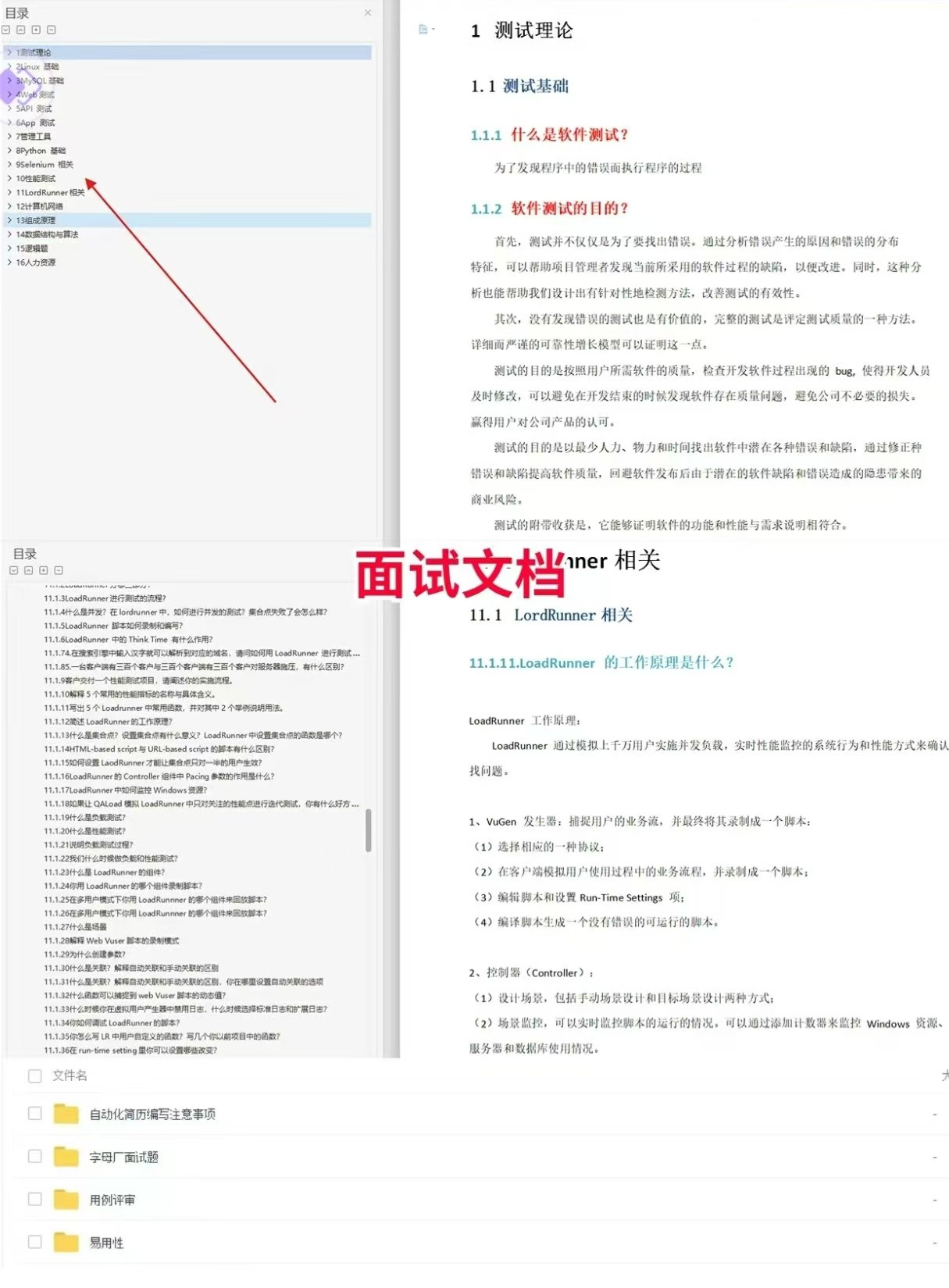
软件测试面试文档
我们学习必然是为了找到高薪的工作,下面这些面试题是来自阿里、腾讯、字节等一线互联网大厂最新的面试资料,并且有字节大佬给出了权威的解答,刷完这一套面试资料相信大家都能找到满意的工作。
视频文档获取方式:
这份文档和视频资料,对于想从事【软件测试】的朋友来说应该是最全面最完整的备战仓库,这个仓库也陪伴我走过了最艰难的路程,希望也能帮助到你!以上均可以分享,点下方小卡片即可自行领取。

这里是“一人公司”的成长家园。我们提供从产品曝光、技术变现到法律财税的全栈内容,并连接云服务、办公空间等稀缺资源,助你专注创造,无忧运营。
更多推荐


 11
11 0
0- 0


 已为社区贡献4条内容

所有评论(0)