URL编码解码实用指南
·
一、精确判断URL编码的方法
1. 核心特征识别
百分号模式检测:使用正则表达式检测%XX格式(XX为十六进制)
import re

def is_url_encoded(text):

    return bool(re.search(r'%[0-9A-Fa-f]{2}', text))
保留字符缺失:检查常见保留字符是否被替代:
|
原字符 |
编码后 |
判断依据 |
|
空格 |
%20/+ |
缺少空格 |
|
? |
%3F |
缺少问号 |
|
& |
%26 |
缺少&符号 |
|
= |
%3D |
缺少等号 |
2. 编码模式分析
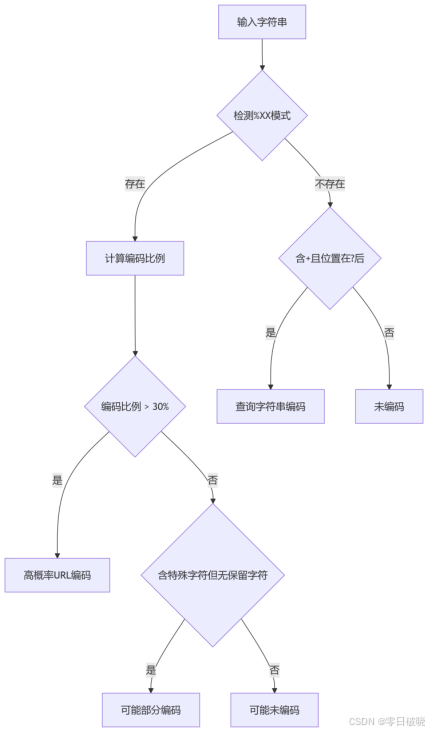
3. 解码验证法(黄金标准)
def confirm_url_encoded(text):

    from urllib.parse import unquote

    try:

        decoded = unquote(text)

        # 检测解码后变化

        length_diff = len(text) - len(decoded)

        special_chars = len([c for c in decoded if ord(c) > 127])


        if length_diff > 0 or special_chars > 0:

            return True

        return False

    except Exception:

        return False
二、专业级URL编码解码在线工具
1. 开发者推荐工具
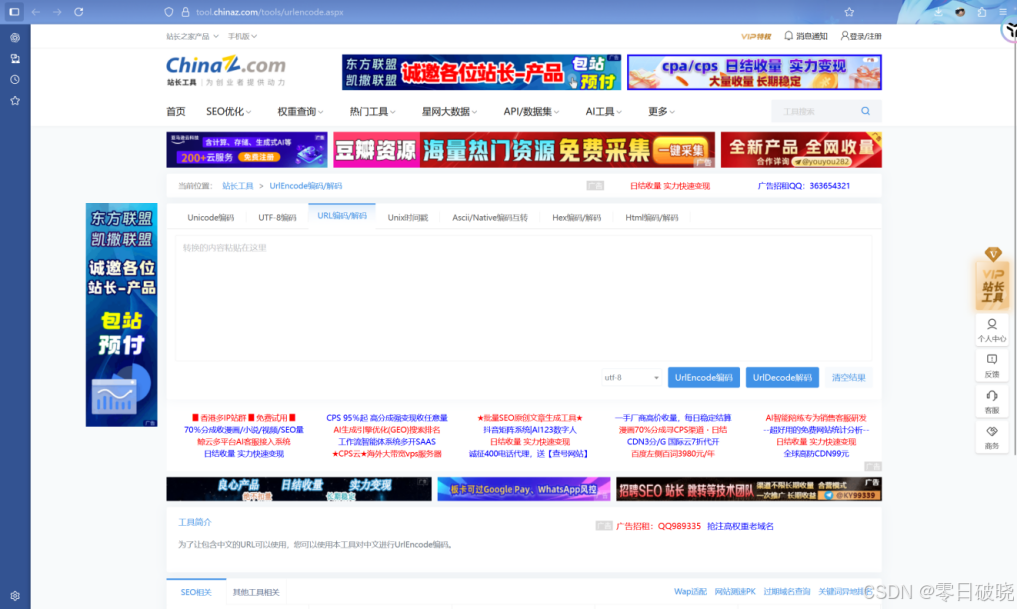
站长工具:UrlEncode编码/UrlDecode解码 - 站长工具
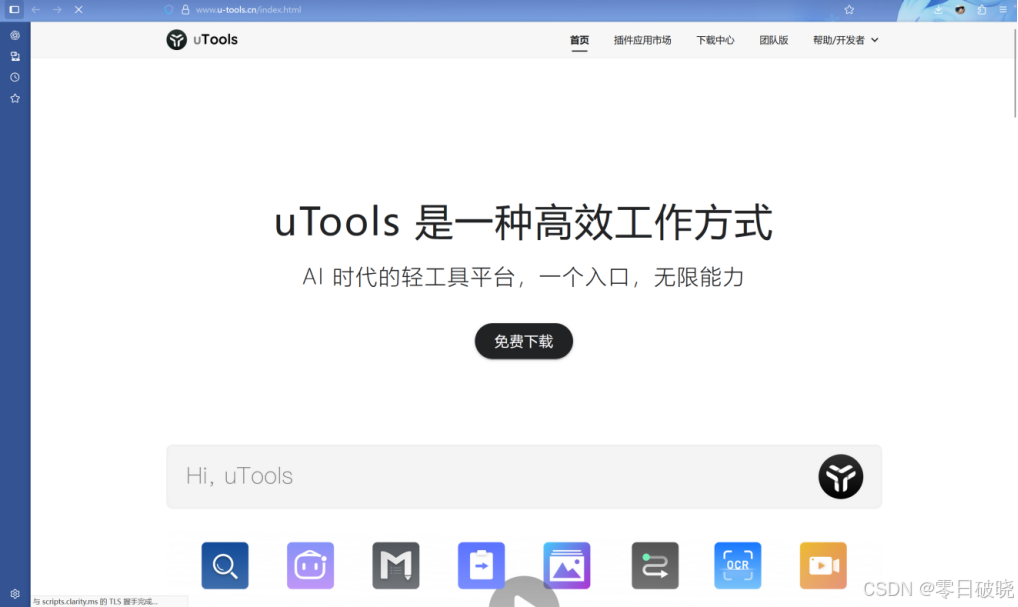
Utool悬浮工具:uTools - 一种高效工作方式
悬浮球控制面板:
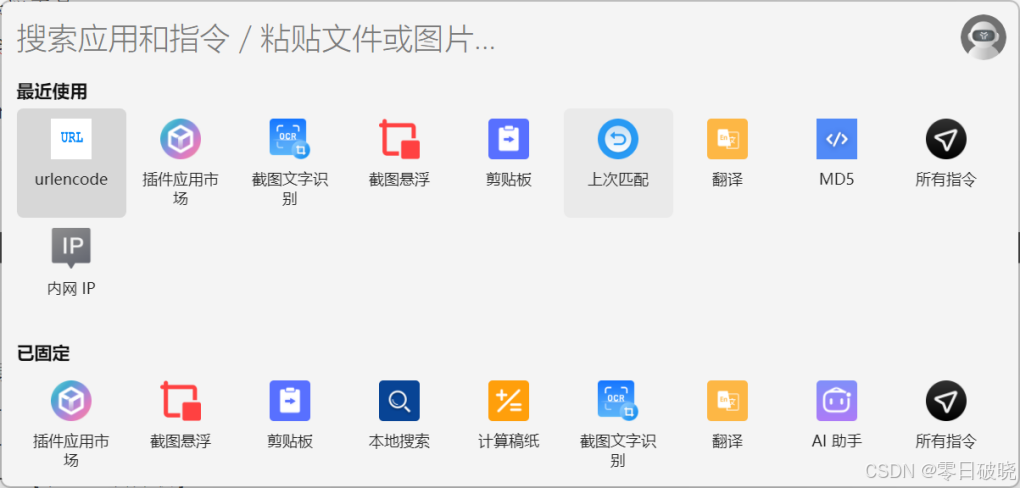
Url编码插件:
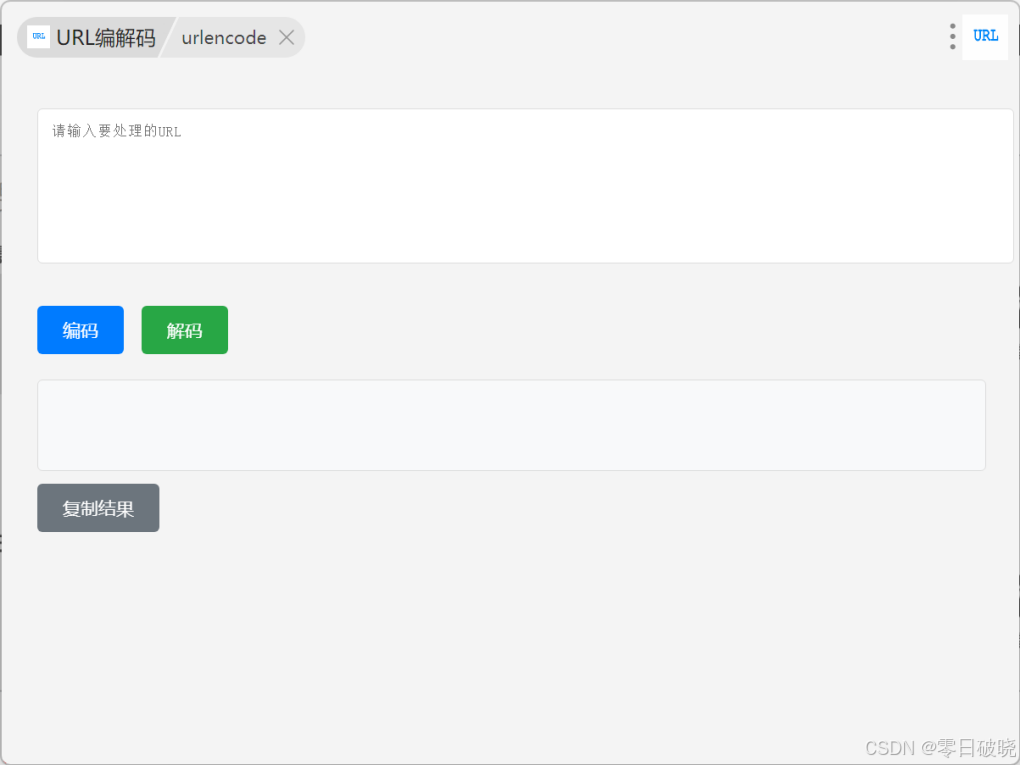
官方网页下载地址:
2. 移动端专用工具
1. iOS:Encoding Inspector (支持历史记录)
2. Android:URL Encoder Decoder (离线使用)
3. 浏览器插件:URL Helper (Chrome/Firefox)
三、Python自动化脚本
1. 专业编码解码工具箱
import re

from urllib.parse import quote, unquote, quote_plus, unquote_plus, urlencode


class URLProcessor:

    def __init__(self, encoding='utf-8'):

        self.encoding = encoding


    def smart_encode(self, text, context='query'):

        """上下文感知编码"""

        if context == 'path':

            return quote(text, safe='/', encoding=self.encoding)

        elif context == 'query':

            return quote_plus(text, encoding=self.encoding)

        else:

            return quote(text, encoding=self.encoding)


    def safe_decode(self, text, max_depth=3):

        """防双重编码解码"""

        decoded = text

        for _ in range(max_depth):

            prev = decoded

            decoded = unquote(decoded, encoding=self.encoding)

            if decoded == prev:

                break

        return decoded


    def decode_full_url(self, url):

        """完整URL解码"""

        from urllib.parse import urlsplit

        scheme, netloc, path, query, fragment = urlsplit(url)

        return (

            scheme,

            netloc,

            unquote(path),

            unquote_plus(query),

            unquote(fragment)

        )


    def detect_encoding(self, encoded_text):

        """自动检测原始编码"""

        test_encodings = ['utf-8', 'latin-1', 'gbk', 'gb2312', 'big5']

        for enc in test_encodings:

            try:

                decoded = unquote(encoded_text, encoding=enc)

                # 验证可逆性

                if quote(decoded, encoding=enc) == encoded_text:

                    return enc

            except:

                continue

        return 'utf-8'  # 默认


    def fix_broken_encoding(self, text):

        """修复混合编码"""

        from ftfy import fix_text

        decoded = unquote(text, errors='replace')

        return fix_text(decoded)
2. 高级应用脚本
场景1:批量处理CSV中的URL
import pandas as pd


def process_url_dataset(file_path):

    df = pd.read_csv(file_path)


    # 自动检测需要解码的列

    url_columns = [col for col in df.columns

                  if any(df[col].apply(confirm_url_encoded))]


    processor = URLProcessor()


    for col in url_columns:

        df[col] = df[col].apply(processor.safe_decode)


    df.to_csv(f'processed_{file_path}', index=False)
场景2:Web应用中间件
from flask import request


@app.before_request

def decode_request_data():

    # 自动解码查询参数

    new_args = {}

    for key, value in request.args.items():

        new_args[key] = unquote_plus(value)

    request.args = new_args


    # 解码URL路径

    request.path = unquote(request.path)
场景3:URL安全验证器
def validate_url_security(url):

    from urllib.parse import urlparse

    decoded_url = unquote(url)


    # 1. 路径遍历检测

    if '../' in decoded_url:

        raise SecurityError("Path traversal detected")


    # 2. XSS检测

    xss_patterns = [r'<script>', r'onerror=', r'javascript:']

    for pattern in xss_patterns:

        if re.search(pattern, decoded_url, re.IGNORECASE):

            raise SecurityError("XSS attempt detected")


    # 3. 特殊协议检查

    parsed = urlparse(decoded_url)

    if parsed.scheme not in ['http', 'https', 'ftp']:

        raise SecurityError("Unsafe protocol")


    return True
四、关键注意事项(深度解析)
1. 编码陷阱与解决方案
|
陷阱类型 |
案例 |
解决方案 |
|
双重编码 |
%2520代替 %20 |
递归解码 |
|
字符集冲突 |
中文乱码 |
自动检测编码 |
|
位置敏感错误 |
路径中`+`作为空格 |
严格区分上下文 |
|
不完整编码 |
%2无效序列 |
错误处理机制 |
|
混合编码 |
UTF-8和GBK混合 |
使用ftfy修复 |
2. 性能优化技巧
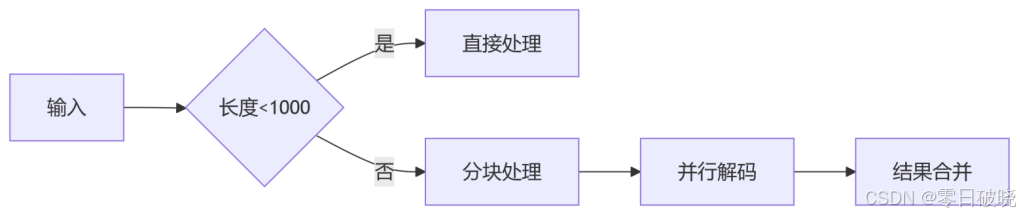
1. 大文件处理
from concurrent.futures import ThreadPoolExecutor

def batch_decode(texts, workers=4):
    with ThreadPoolExecutor(max_workers=workers) as executor:
        return list(executor.map(unquote, texts))
2. 内存优化
def stream_decode_large_file(input_path, output_path):

    with open(input_path, 'r', encoding='utf-8') as infile, \

         open(output_path, 'w', encoding='utf-8') as outfile:


        while chunk := infile.read(1024*1024):  # 1MB chunks

            decoded = unquote(chunk)

            outfile.write(decoded)
五、行业实践
1. Web开发规范
1. 前端:
// 正确使用编码函数

const encoded = encodeURIComponent(userInput);


// 避免错误用法

// 错误:encodeURI() 不编码保留字符

// 错误:手动拼接URL
2. 后端:
# Django示例

from django.utils.http import urlencode


safe_query = urlencode({

    'q': unquote(request.GET.get('q', '')),

    'page': request.GET.get('page', 1)

}, doseq=True)
2. 数据处理流程
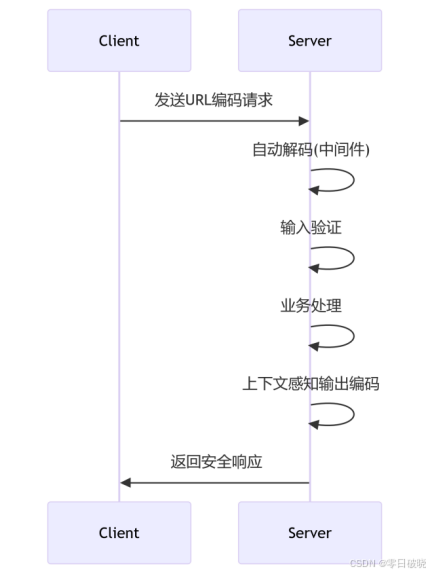
3. 调试与测试套件
import unittest


class URLEncodingTests(unittest.TestCase):

    def test_chinese_decoding(self):

        processor = URLProcessor()

        result = processor.safe_decode('%E4%B8%AD%E6%96%87')

        self.assertEqual(result, '中文')


    def test_double_encoding(self):

        processor = URLProcessor()

        result = processor.safe_decode('%2520')

        self.assertEqual(result, ' ')


    def test_security(self):

        with self.assertRaises(SecurityError):

            validate_url_security('../etc/passwd')


    def test_performance(self):

        large_text = '%20'.join(['test'] * 1000000)

        start = time.time()

        processor.safe_decode(large_text)

        self.assertLess(time.time() - start, 2.0)  # <2秒


if __name__ == '__main__':

    unittest.main()
版权声明与原创承诺
本文所有文字、实验方法及技术分析均为 本人原创作品,受《中华人民共和国著作权法》保护。未经本人书面授权,禁止任何形式的转载、摘编或商业化使用。
道德与法律约束
文中涉及的网络安全技术研究均遵循 合法合规原则:
1️⃣ 所有渗透测试仅针对 本地授权靶机环境
2️⃣ 技术演示均在 获得书面授权的模拟平台 完成
3️⃣ 坚决抵制任何未授权渗透行为
技术资料获取
如需完整实验代码、工具配置详解及靶机搭建指南:
请关注微信公众号 「零日破晓」
后台回复关键词 【博客资源】 获取独家技术文档包
法律追责提示
对于任何:
✖️ 盗用文章内容
✖️ 未授权转载
✖️ 恶意篡改原创声明
本人保留法律追究权利。

这里是“一人公司”的成长家园。我们提供从产品曝光、技术变现到法律财税的全栈内容,并连接云服务、办公空间等稀缺资源,助你专注创造,无忧运营。
更多推荐



 33
33 0
0- 0


 已为社区贡献1条内容

所有评论(0)