OpenFlow:AI编程必备本地语音输入神器
·
方案一:OpenFlow语音输入
👉🏻Open Flow(GitHub网址)👈🏻
- 开源代码库(GitHub):https://github.com/jqlong17/open-flow
Open Flow,它是面向 AI 编程的开源本地语音输入工具,一键录音→本地转写→自动进剪贴板,适合 Cursor、VS Code、终端等场景。
Windows 版核心信息
- 安装方式:GitHub Releases 下载预编译包 / PowerShell 一键安装 / 源码构建(需 Rust)
- 系统托盘:支持,任务栏右侧显示状态,右键可退出
- 粘贴方式:转写结果写入剪贴板,需手动 Ctrl+V 粘贴
- 默认热键:右侧 Alt(按一下录音,再按停止并转写)
- 模型:本地 SenseVoiceSmall,首次自动下载约 230MB,离线可用
- 权限:部分场景需管理员权限才能正常监听全局热键
一键安装(PowerShell)
$url = "https://github.com/jqlong17/open-flow/releases/latest/download/open-flow-x86_64-pc-windows-msvc.zip"; $dir = "$env:LOCALAPPDATA\Programs\open-flow"; New-Item -ItemType Directory -Force -Path $dir | Out-Null; Invoke-WebRequest -Uri $url -OutFile "$dir\open-flow.zip" -UseBasicParsing; Expand-Archive -Path "$dir\open-flow.zip" -DestinationPath $dir -Force; Remove-Item "$dir\open-flow.zip"; $path = [Environment]::GetEnvironmentVariable("Path", "User"); if ($path -notlike "*$dir*") { [Environment]::SetEnvironmentVariable("Path", "$path;$dir", "User") }; $env:Path = [Environment]::GetEnvironmentVariable("Path", "User") + ";" + [Environment]::GetEnvironmentVariable("Path", "Machine")
安装后运行:
open-flow.exe start --foreground常用命令
open-flow.exe start:后台启动open-flow.exe start --foreground:前台启动(看日志)open-flow.exe stop:停止服务open-flow.exe status:查看状态open-flow.exe transcribe --duration 5:录 5 秒并转写
方案二:微软语音输入
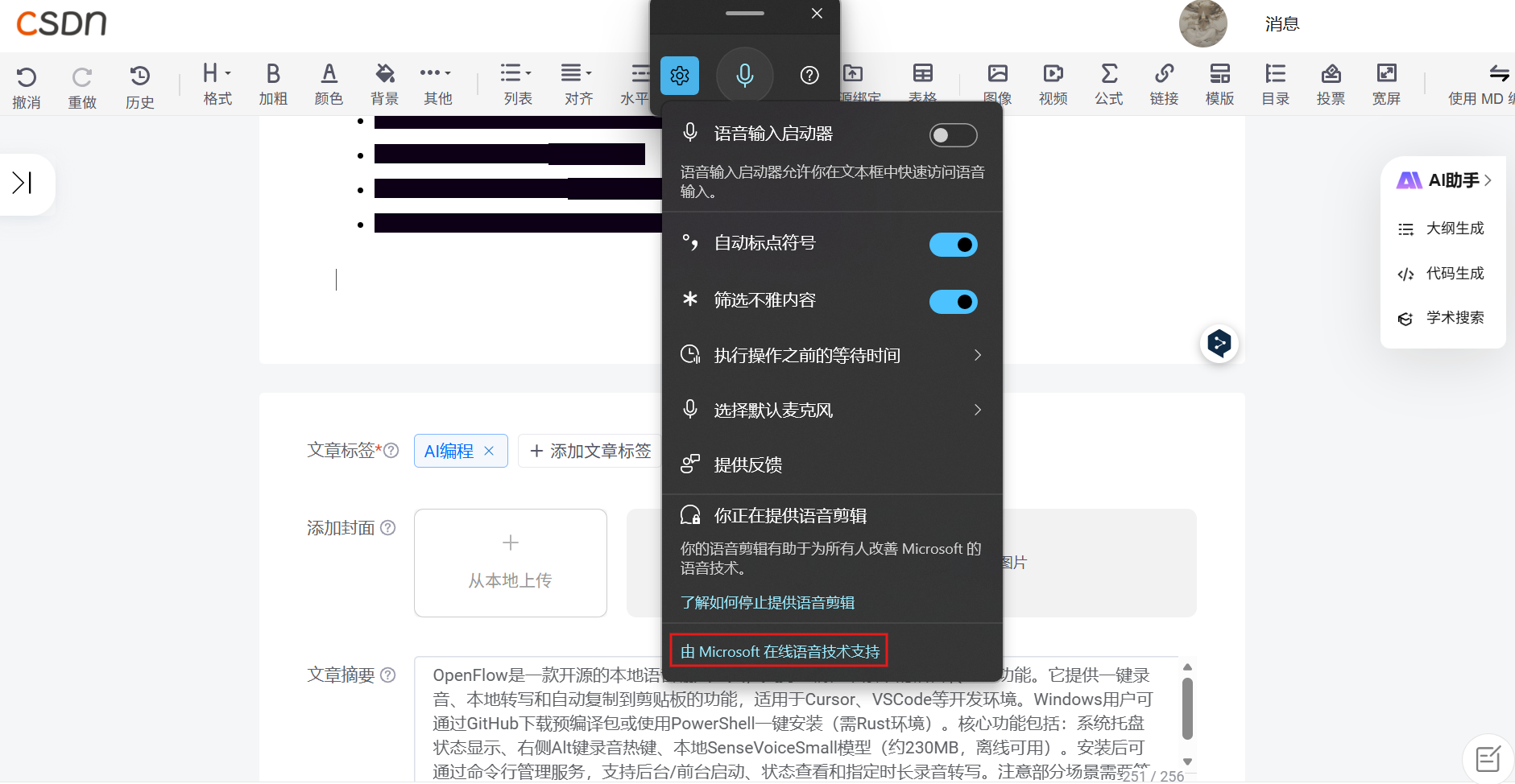
Win+H:Windows 10/11 自带语音输入(语音键入)的官方快捷键,按下后弹出语音面板,可直接说话转文字

这里是“一人公司”的成长家园。我们提供从产品曝光、技术变现到法律财税的全栈内容,并连接云服务、办公空间等稀缺资源,助你专注创造,无忧运营。
更多推荐

 0
0 0
0- 0


 已为社区贡献2条内容

所有评论(0)