手机上通过Termux运行Ollama本地模型
·
搭建本地运行的LLM大语言模型?感觉很酷!
搭建本地LLM模型的框架里,Ollama是最完善且完全开源的,白嫖党首选!
电脑上运行Ollama的教程很多,这里不赘述了,不过有一点强烈推荐的是:如果电脑C盘有限,一定要把Ollama安装到D盘!!!步骤见这篇推文:Ollama修改安装目录和模型下载目录
为啥想着手机用Ollama?是因为,傻羊注意到还是有几个模型相当小巧,其实手机上运行是完全可以的!,所以就想着试一下。
我手机上编程shell实用的termux。直接上成品图:
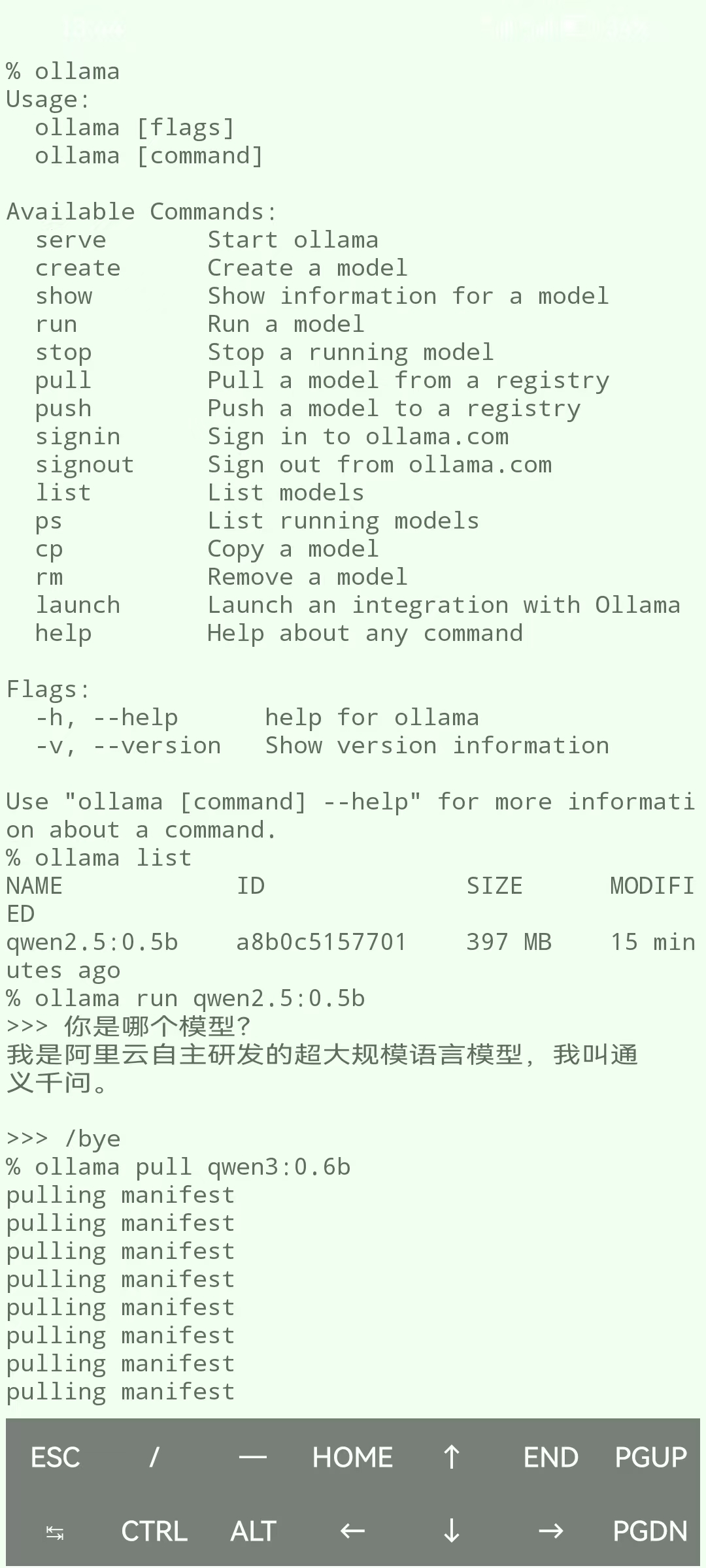
具体步骤如下:
首先,更新pkg命令(不更新直接安装ollama的话,会报一些乱七八糟的问题):
pkg update && pkg upgrade -y安装Ollama:
pkg install -y ollama安装完毕后,运行ollama:
>>> ollama
Usage:
  ollama [flags]
  ollama [command]

Available Commands:
  serve       Start Ollama
  create      Create a model
  show        Show information for a model
  run         Run a model
  stop        Stop a running model
  pull        Pull a model from a registry
  push        Push a model to a registry
  signin      Sign in to ollama.com
  signout     Sign out from ollama.com
  list        List models
  ps          List running models
  cp          Copy a model
  rm          Remove a model
  launch      Launch an integration with Ollama
  help        Help about any command

Flags:
  -h, --help      help for ollama
  -v, --version   Show version information
说明可以了。
不过,手机与PC不同的是,手机端需要你先运行ollama serve才算启动,如:
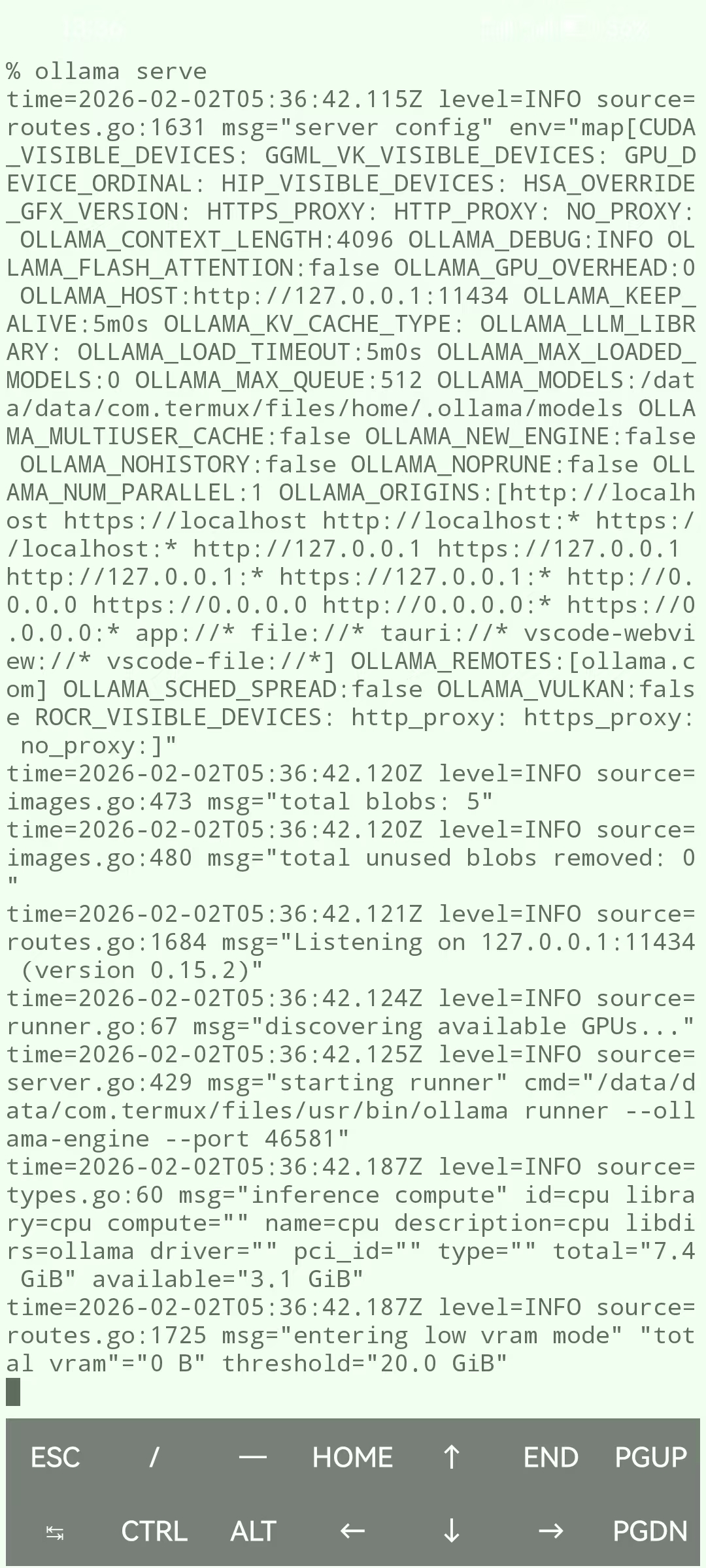
返回的一堆东西应该是“运行日志”之类的,不必鸟它,接下来你需要另开一个运行任务,如下:
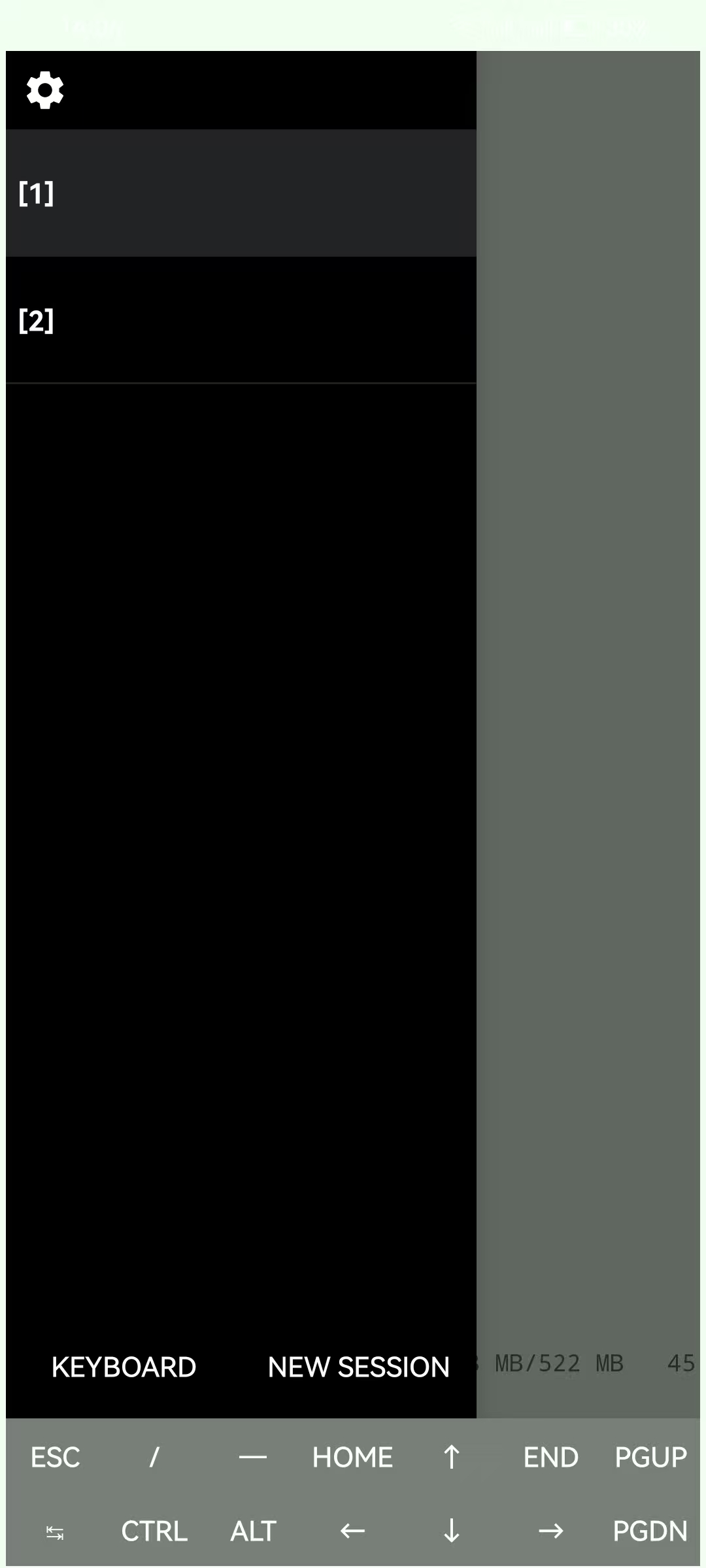
OK,到此就算大功告成了,接下来你就可以去Ollama模型库 ,去拉取你想要的模型了
这里是傻羊,感谢你的点赞和反馈!🥰🥰🥰

这里是“一人公司”的成长家园。我们提供从产品曝光、技术变现到法律财税的全栈内容,并连接云服务、办公空间等稀缺资源,助你专注创造,无忧运营。
更多推荐



 0
0 0
0- 0


 已为社区贡献1条内容

所有评论(0)