python ollama chat示例demo
前言
最近做项目,比如写一些大模型的周边支持,需要类似问题解答,上下文联系支持,MCP,function calling之类的,先从简单的示例开始,比如python,其实大模型相关的文章,绝大部分是python写的,主流的框架有longchain springai等。其实笔者是为了测试自由线程的情况,所以就用了自由线程模式,结果踩坑了。
准备
ollama安装,拉取镜像,这个笔者以前写过:M4 Mac mini运行ds
本次为了省内存+提高效率使用了gemma3:4b模型
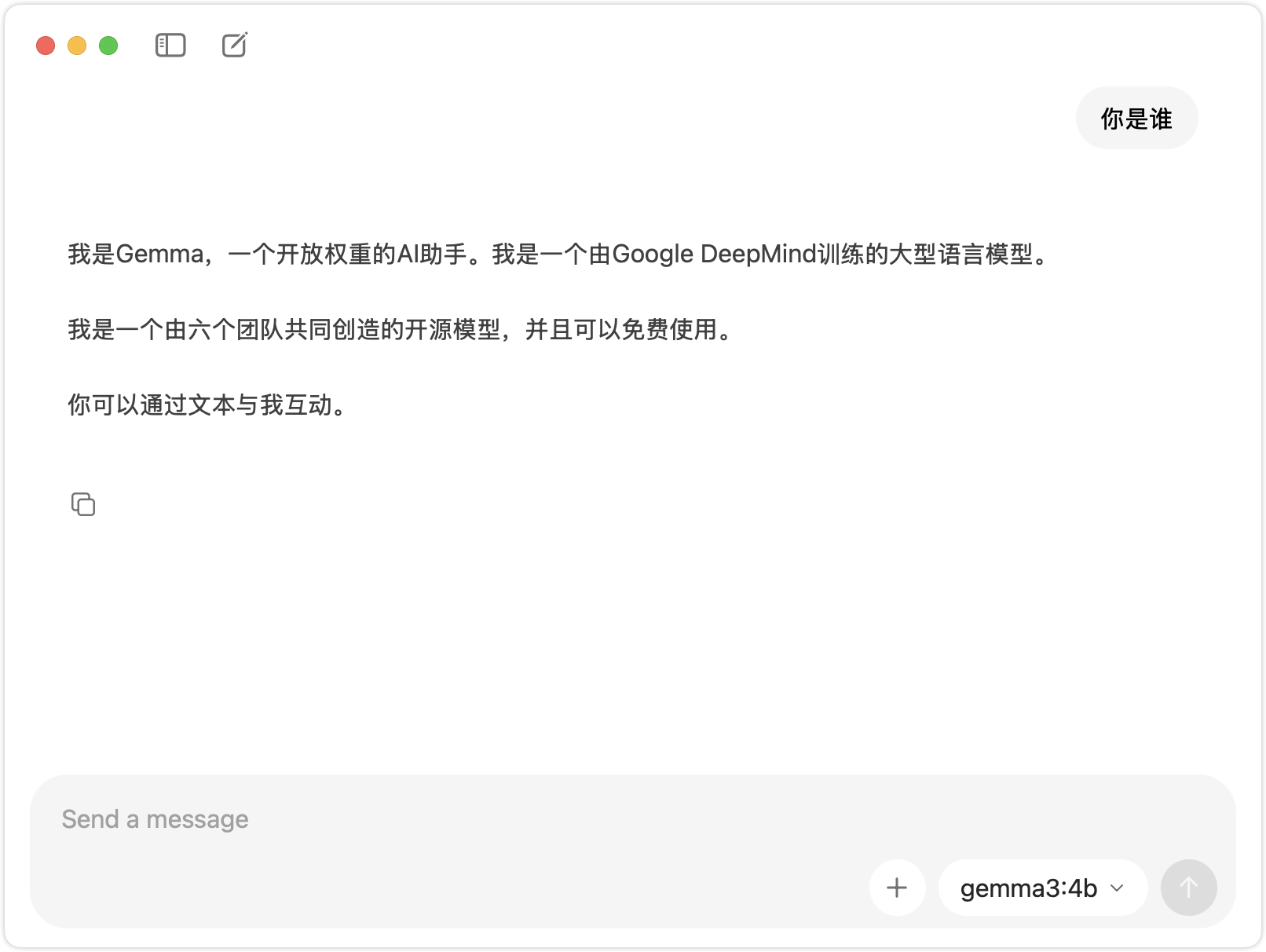
国内可以使用ModelScope社区加速
demo
执行pip install ollama,当然ollama兼容OpenAI,也可以使用openai的包。效果一样
import asyncio
from ollama import AsyncClient

async def chat():
    message = {'role': 'user', 'content': '你是谁?'}
    async for part in await AsyncClient().chat(model='gemma3:4b', messages=[message], stream=True):
        print(part['message']['content'], end='', flush=True)


if __name__ == '__main__':
    asyncio.run(chat())
用个异步流式方式打个招呼,代码本身没啥问题,ide也没有报错
/usr/local/bin/python /Users/huahua/PycharmProjects/chat-demo/chat.py
我是 Gemma,一个开放权重的 AI 助手。我是一个由 Google DeepMind 训练的大型语言模型。

我是一个公开可用的模型,这意味着任何人都可以访问和使用我。

我擅长理解和生成文本,可以进行对话、回答问题、提供摘要,甚至可以尝试进行创意写作。

请注意,我没有访问外部工具或实时信息的能力。
Process finished with exit code 0
但是笔者注意到,用的非自由线程的版本,于是出事了。
问题
当笔者手工执行命令时:
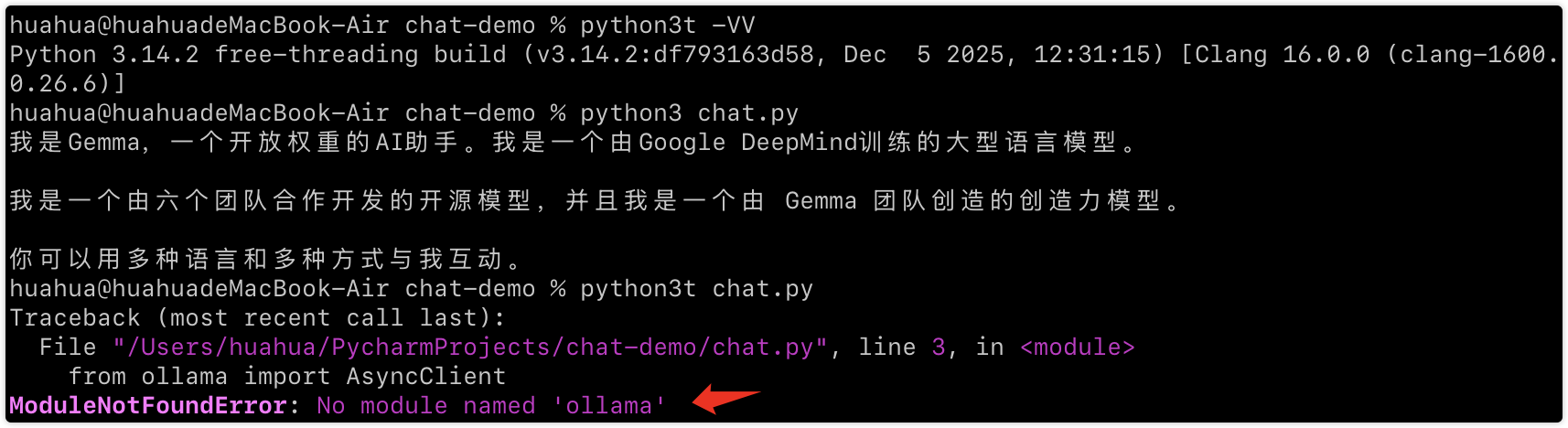
使用自由线程命令居然不能读取到pip安装的ollama包。后面问AI,说是需要指定解释器
python -m pip install ollama
huahua@huahuadeMacBook-Air chat-demo % python -m pip install ollama
Collecting ollama
  Using cached ollama-0.6.1-py3-none-any.whl.metadata (4.3 kB)
Collecting httpx>=0.27 (from ollama)
  Using cached httpx-0.28.1-py3-none-any.whl.metadata (7.1 kB)
Collecting pydantic>=2.9 (from ollama)
  Using cached pydantic-2.12.5-py3-none-any.whl.metadata (90 kB)
Collecting anyio (from httpx>=0.27->ollama)
  Using cached anyio-4.12.1-py3-none-any.whl.metadata (4.3 kB)
Collecting certifi (from httpx>=0.27->ollama)
  Using cached certifi-2026.1.4-py3-none-any.whl.metadata (2.5 kB)
Collecting httpcore==1.* (from httpx>=0.27->ollama)
  Using cached httpcore-1.0.9-py3-none-any.whl.metadata (21 kB)
Collecting idna (from httpx>=0.27->ollama)
  Using cached idna-3.11-py3-none-any.whl.metadata (8.4 kB)
Collecting h11>=0.16 (from httpcore==1.*->httpx>=0.27->ollama)
  Using cached h11-0.16.0-py3-none-any.whl.metadata (8.3 kB)
Collecting annotated-types>=0.6.0 (from pydantic>=2.9->ollama)
  Using cached annotated_types-0.7.0-py3-none-any.whl.metadata (15 kB)
Collecting pydantic-core==2.41.5 (from pydantic>=2.9->ollama)
  Using cached pydantic_core-2.41.5-cp314-cp314t-macosx_11_0_arm64.whl.metadata (7.3 kB)
Collecting typing-extensions>=4.14.1 (from pydantic>=2.9->ollama)
  Using cached typing_extensions-4.15.0-py3-none-any.whl.metadata (3.3 kB)
Collecting typing-inspection>=0.4.2 (from pydantic>=2.9->ollama)
  Using cached typing_inspection-0.4.2-py3-none-any.whl.metadata (2.6 kB)
Using cached ollama-0.6.1-py3-none-any.whl (14 kB)
Using cached httpx-0.28.1-py3-none-any.whl (73 kB)
Using cached httpcore-1.0.9-py3-none-any.whl (78 kB)
Using cached h11-0.16.0-py3-none-any.whl (37 kB)
Using cached pydantic-2.12.5-py3-none-any.whl (463 kB)
Using cached pydantic_core-2.41.5-cp314-cp314t-macosx_11_0_arm64.whl (1.9 MB)
Using cached annotated_types-0.7.0-py3-none-any.whl (13 kB)
Using cached typing_extensions-4.15.0-py3-none-any.whl (44 kB)
Using cached typing_inspection-0.4.2-py3-none-any.whl (14 kB)
Using cached anyio-4.12.1-py3-none-any.whl (113 kB)
Using cached idna-3.11-py3-none-any.whl (71 kB)
Using cached certifi-2026.1.4-py3-none-any.whl (152 kB)
Installing collected packages: typing-extensions, idna, h11, certifi, annotated-types, typing-inspection, pydantic-core, httpcore, anyio, pydantic, httpx, ollama
   ━━━━━━━━━━━━━━━━━━━━━━━━━━━━━━╺━━━━━━━━━  9/12 [pydantic]  WARNING: The script httpx is installed in '/Library/Frameworks/PythonT.framework/Versions/3.14/bin' which is not on PATH.
  Consider adding this directory to PATH or, if you prefer to suppress this warning, use --no-warn-script-location.
Successfully installed annotated-types-0.7.0 anyio-4.12.1 certifi-2026.1.4 h11-0.16.0 httpcore-1.0.9 httpx-0.28.1 idna-3.11 ollama-0.6.1 pydantic-2.12.5 pydantic-core-2.41.5 typing-extensions-4.15.0 typing-inspection-0.4.2

[notice] A new release of pip is available: 25.3 -> 26.0.1
[notice] To update, run: python3t -m pip install --upgrade pip
huahua@huahuadeMacBook-Air chat-demo % python3t -m pip install --upgrade pip
Requirement already satisfied: pip in /Library/Frameworks/PythonT.framework/Versions/3.14/lib/python3.14t/site-packages (25.3)
Collecting pip
  Using cached pip-26.0.1-py3-none-any.whl.metadata (4.7 kB)
Using cached pip-26.0.1-py3-none-any.whl (1.8 MB)
Installing collected packages: pip
  Attempting uninstall: pip
    Found existing installation: pip 25.3
    Uninstalling pip-25.3:
      Successfully uninstalled pip-25.3
  WARNING: The scripts pip, pip3 and pip3.14 are installed in '/Library/Frameworks/PythonT.framework/Versions/3.14/bin' which is not on PATH.
  Consider adding this directory to PATH or, if you prefer to suppress this warning, use --no-warn-script-location.
Successfully installed pip-26.0.1
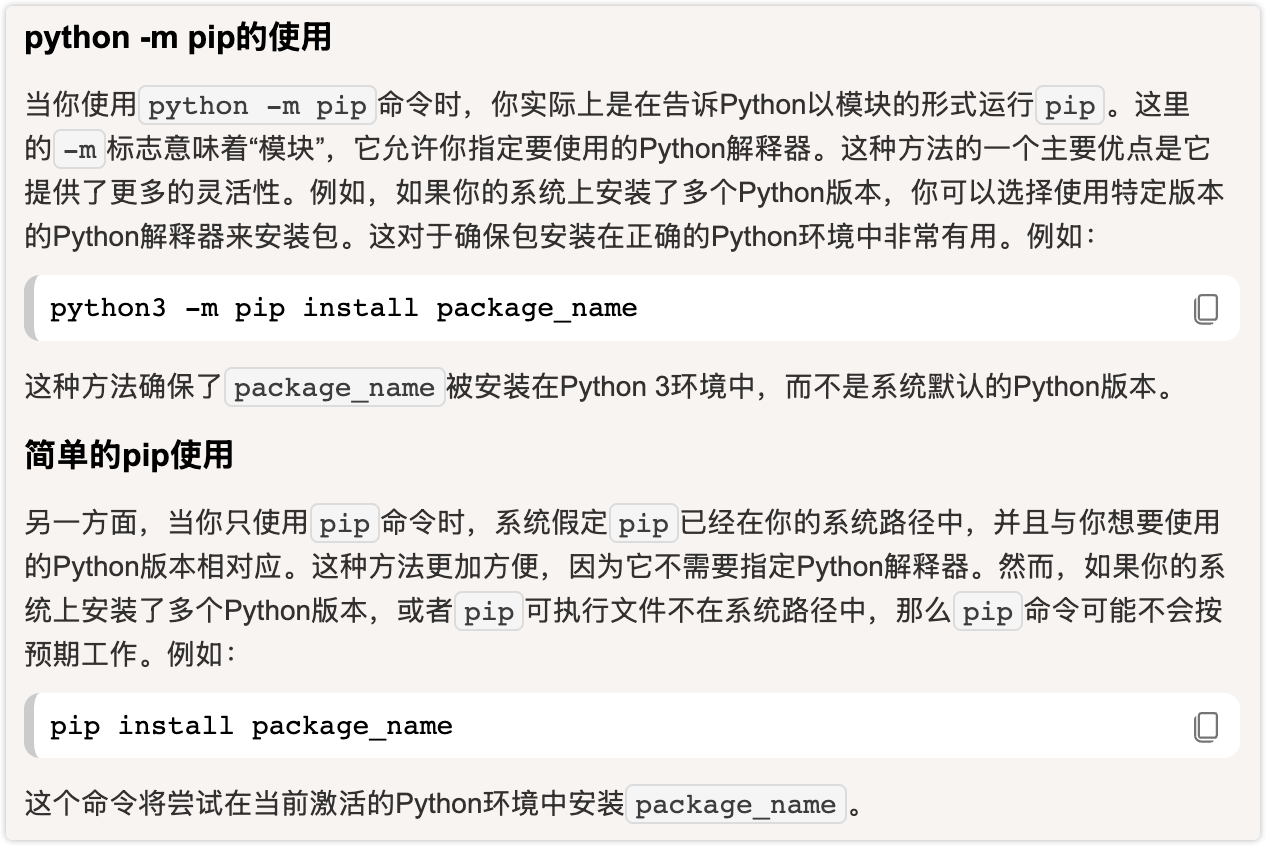
直到看到这里

恍然大悟,笔者虽然只有一个python 3.14,但是自由线程也算是不同的版本,他们是2个指令,默认情况只能使用path路径下python的文件对应的模块引入依赖。坑啊,同一个包,自由线程是"不同的"版本。
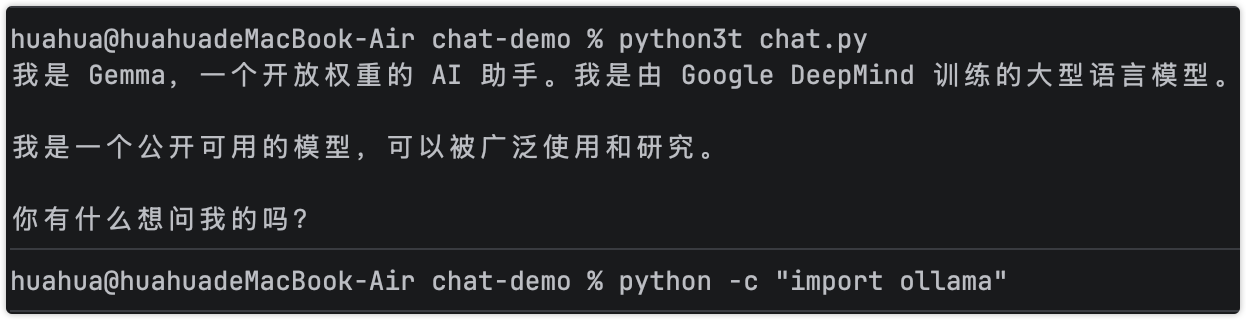
笔者已经把python默认命令指向了自由线程版本
总结
笔者之前实际上是用spring ai方式写的大模型周边逻辑,用来体验聊天 mcp服务之类的,但是spring ai项目有点啰嗦,搭建比较繁琐,就想着python不是自由线程了,结果立马跳坑,自由线程是“不同的”版本,所以需要:使用解释器安装包

这里是“一人公司”的成长家园。我们提供从产品曝光、技术变现到法律财税的全栈内容,并连接云服务、办公空间等稀缺资源,助你专注创造,无忧运营。
更多推荐

 4
4 0
0- 0


 已为社区贡献1条内容

所有评论(0)