SQLPage:一款基于SQL构建Web应用的低代码工具
SQLPage 是一款基于 SQL 的低代码工具,允许用户直接通过编写 SQL 查询快速生成交互式网页界面,特别适合数据展示和轻量级 Web 应用开发。
给大家分享一个快速构建 Web 应用的低代码工具:SQLPage。它可以为数据科学家、分析师以及 BI 业务团队快速构建基于数据的应用,整个过程完全不需要了解任何编程语言和概念,只需要编写 SQL 语句。
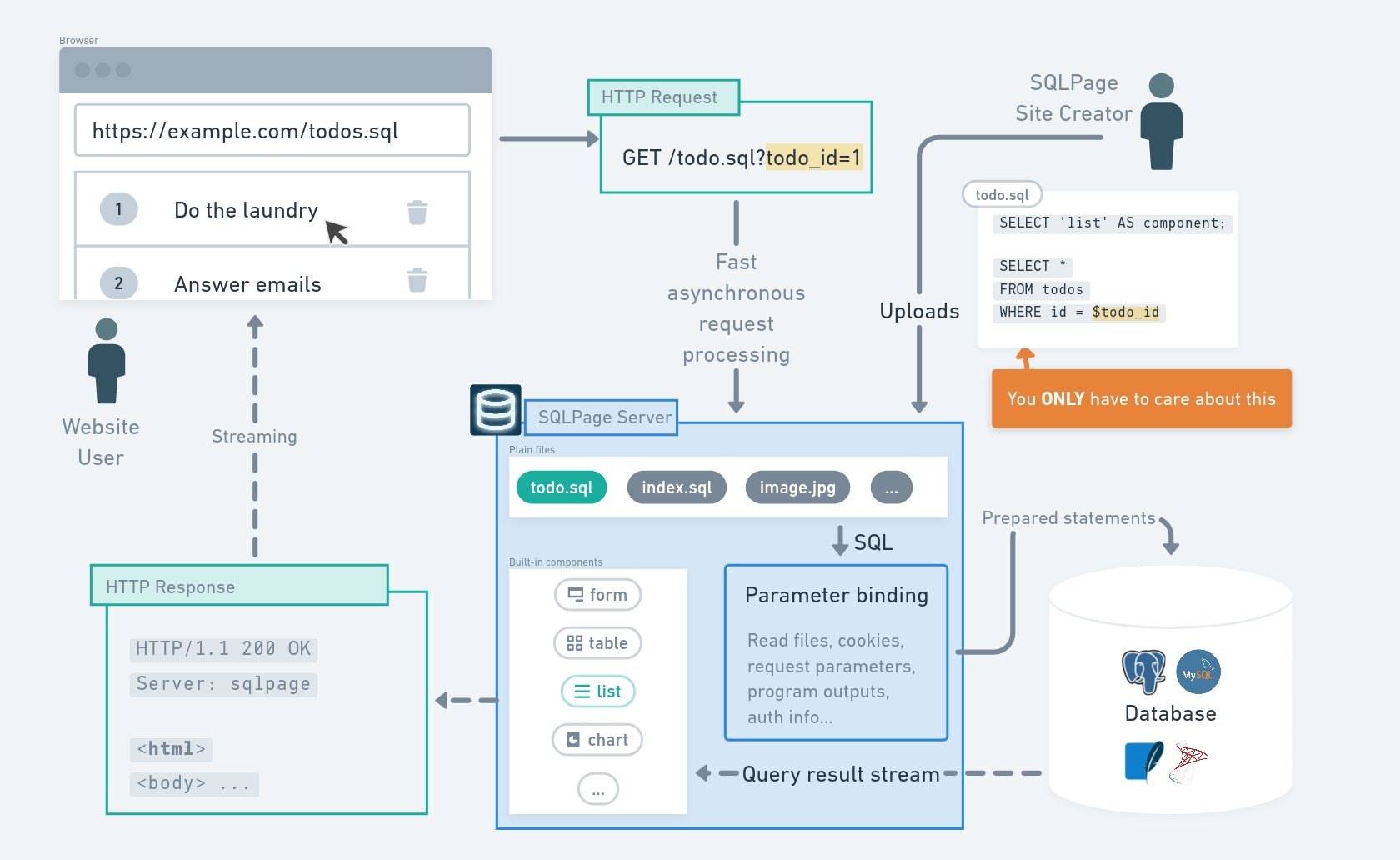
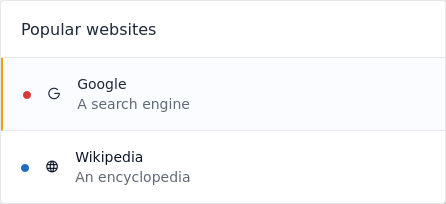
我们先来看一些示例。如果编写下面的 SQL 语句:
SELECT
    'list' as component,
    'Popular websites' as title;
SELECT
    name as title,
    url as link,
    CASE type
      WHEN 1 THEN 'blue'
      ELSE 'red'
    END as color,
    description, icon, active
FROM website;
就能生成以下包含列表的页面:
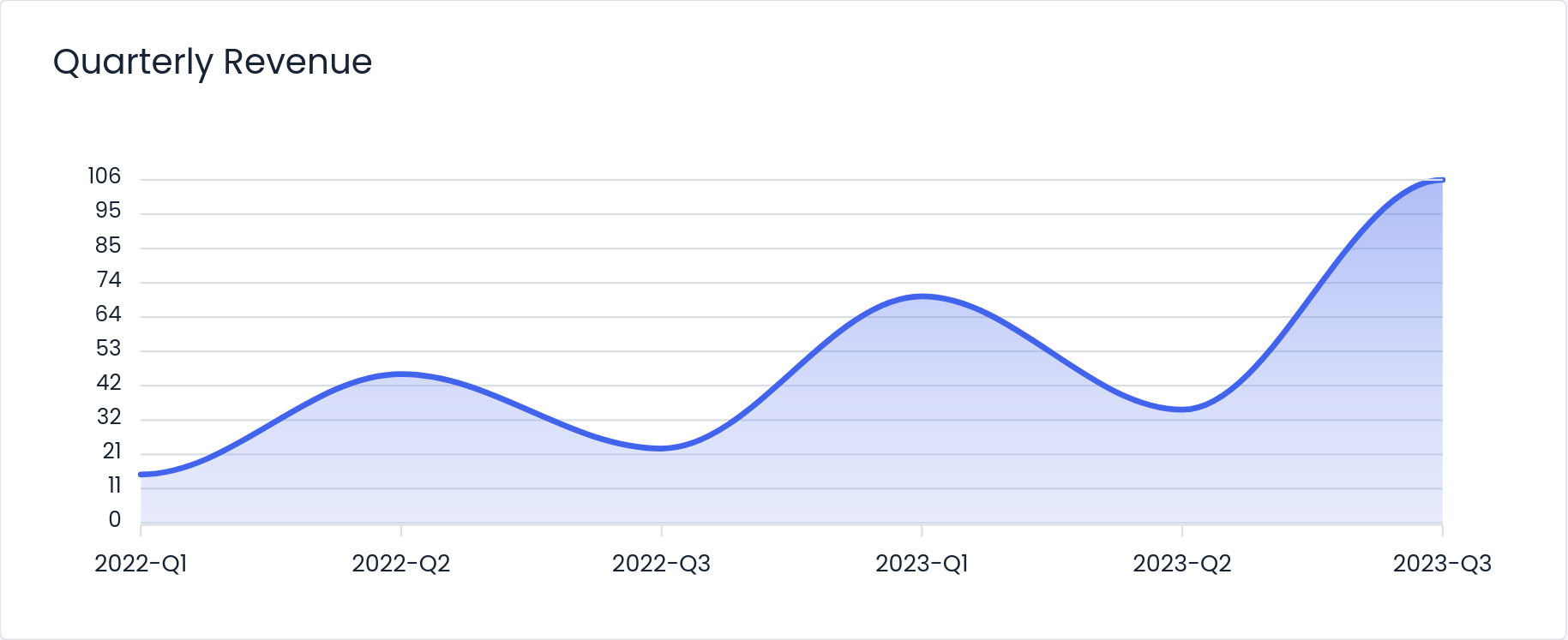
如果编写以下 SQL 语句:
SELECT
  'chart' as component,
  'Quarterly Revenue' as title,
  'area' as type;

SELECT
    quarter AS x,
    SUM(revenue) AS y
FROM finances
GROUP BY quarter
就能生成以下包含图表的页面:
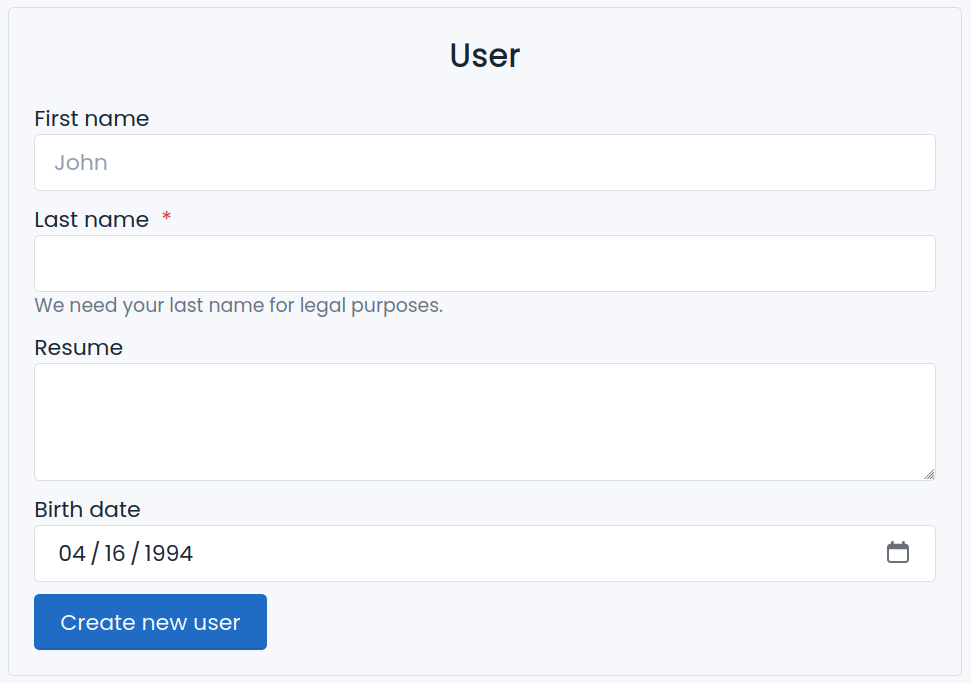
如果编写以下 SQL 语句:
SELECT
    'form' as component,
    'User' as title,
    'Create new user' as validate;

SELECT
    name, type, placeholder,
    required, description
FROM user_form;

INSERT INTO user
SELECT $first_name, $last_name, $birth_date
WHERE $first_name IS NOT NULL;
就能生成以下具有表单录入功能的页面:
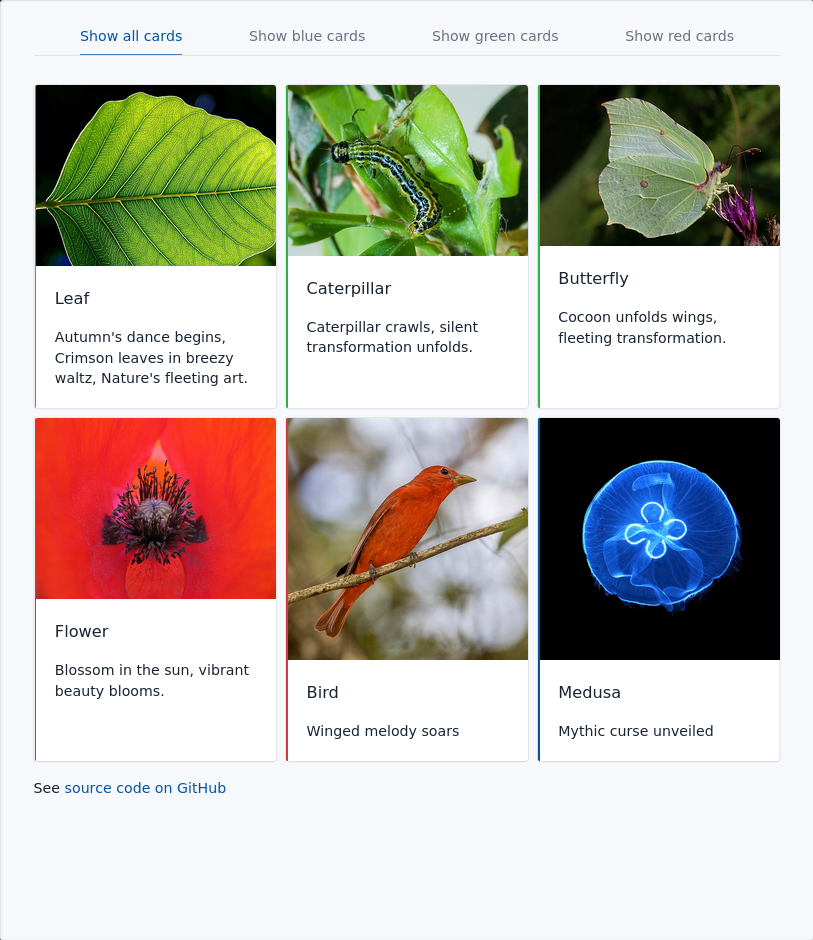
最后,只需要编写下面的 SQL 语句:
select 'tab' as component, true as center;
select 'Show all cards' as title, '?' as link,
  $tab is null as active;
select
  format('Show %s cards', color) as title,
  format('?tab=%s', color) as link,
  $tab=color as active
from tab_example_cards
group by color;


select 'card' as component;
select
  title, description, color
  image_url as top_image, link
from tab_example_cards
where $tab is null or $tab = color;

select
  'text' as component,
  sqlpage.read_file_as_text('footer.md') as contents_md
就能生成以下包含导航栏的页面:
SQLPage 安装使用非常简单,只有一个可执行文件。在官方网址 https://sql-page.com/ 点击“DownLoad"进行下载,对于 Windows 系统,解压之后点击 sqlpage.exe 运行 Web 服务。
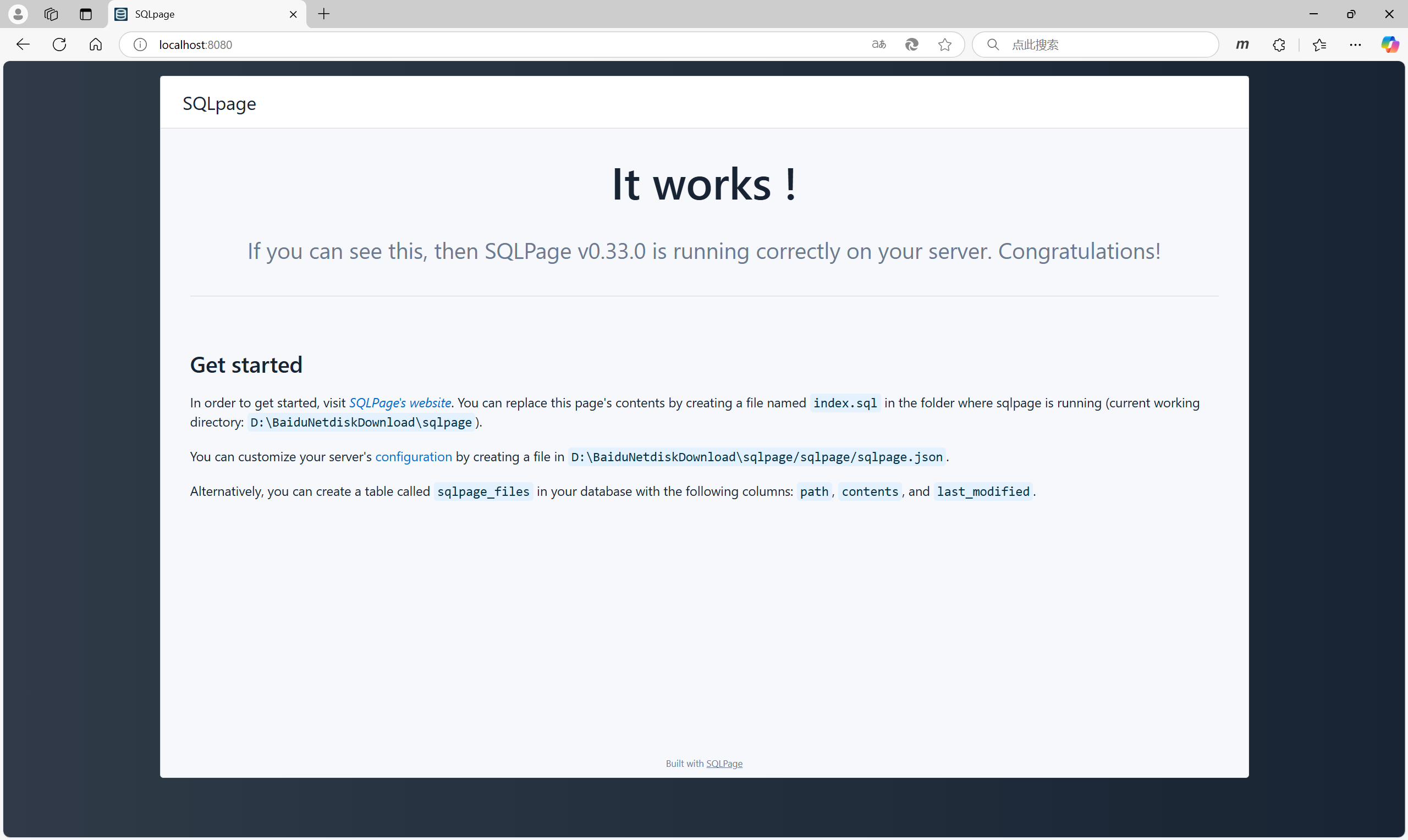
此时打开浏览器,输入地址 http://localhost:8080,显示以下页面表示运行成功:
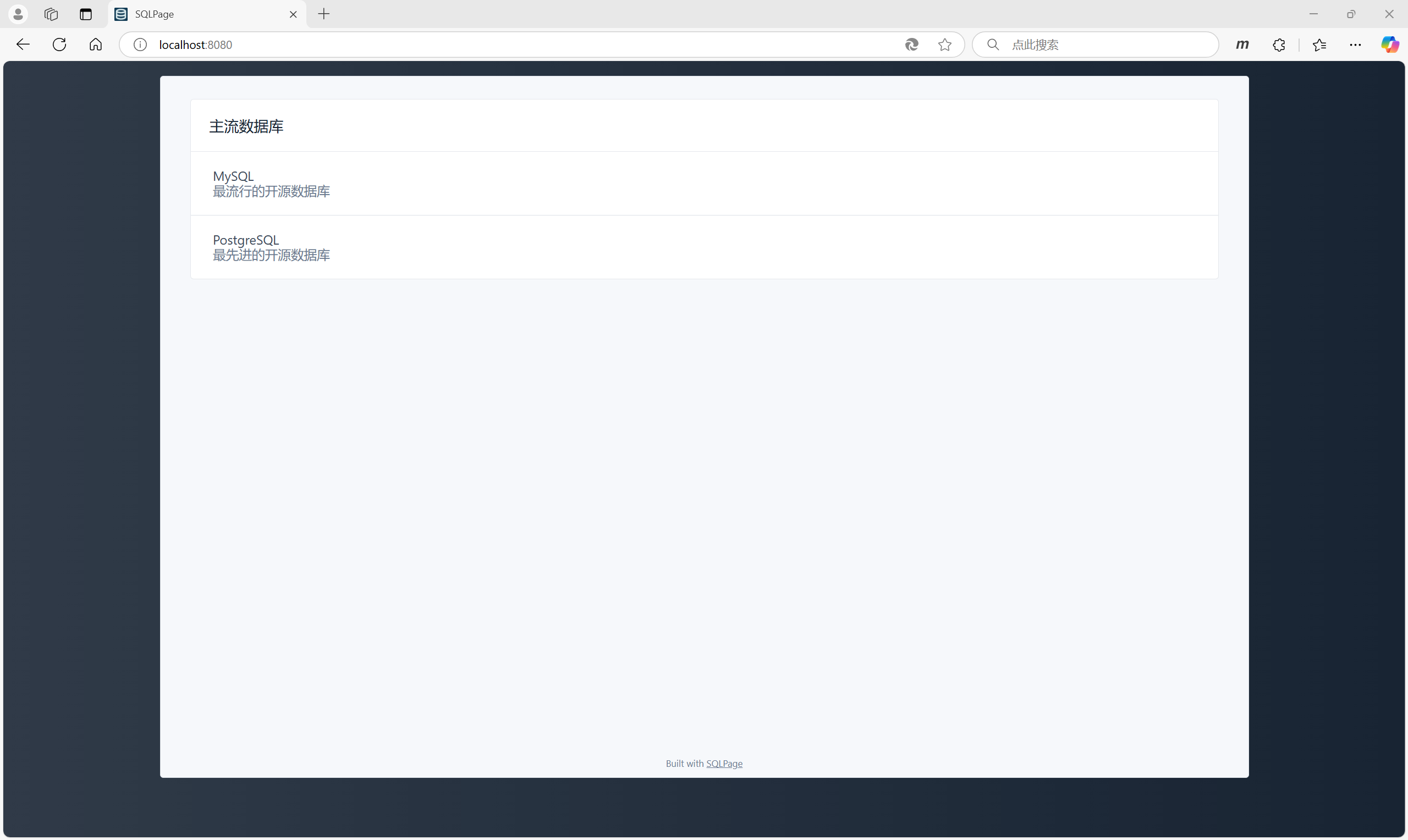
接下来我们创建一个简单的页面,在解压目录中创建一个 index.sql 文件,它会默认为 Web 应用的首页。
SELECT 'list' AS component,
       '主流数据库' AS title;

SELECT 'MySQL' AS title,
       '最流行的开源数据库' AS description,
       'https://www.mysql.com/' AS link;
SELECT 'PostgreSQL' AS title,
       '最先进的开源数据库' AS description,
       'https://www.postgresql.org' AS link;
保存文件后,再次打开 http://localhost:8080,可以看到全新的页面:
整个开发过程完全不需要编写程序代码。
SQLPage 支持常见的数据库,包括 MySQL、PostgreSQL、SQL Server 以及 SQLite 作为后台数据存储。
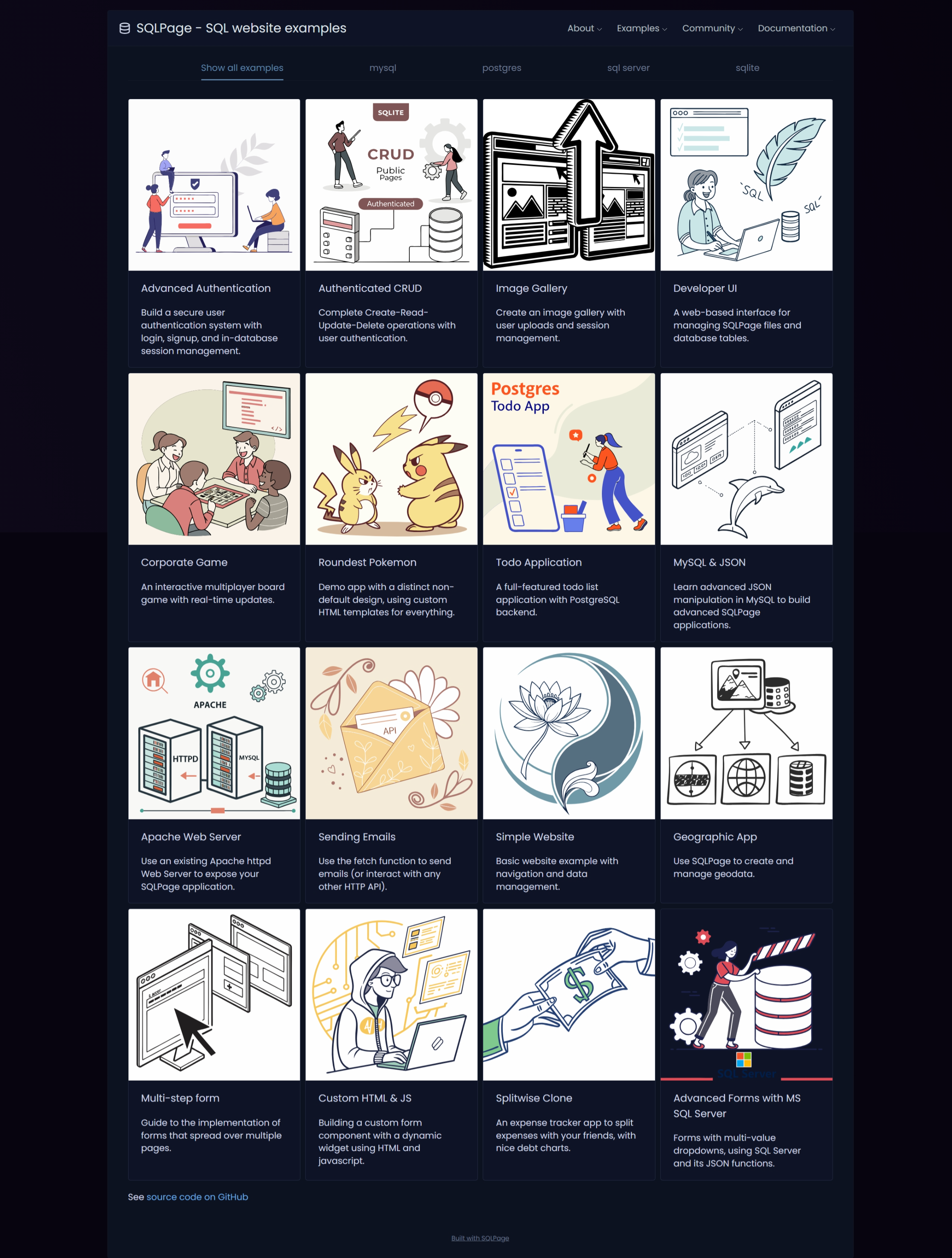
官方网址提供了大量学习示例:

这里是“一人公司”的成长家园。我们提供从产品曝光、技术变现到法律财税的全栈内容,并连接云服务、办公空间等稀缺资源,助你专注创造,无忧运营。
更多推荐
 10
10 0
0- 0


 已为社区贡献6条内容

所有评论(0)